Client feedback becomes difficult when it arrives as a trail of disconnected reactions: a comment in a design tool, a follow-up in email, a voice note, and a message that says the homepage still feels off. The problem is not that clients have opinions. The problem is that the project has no reliable way to turn those opinions into one reviewable decision.
A feedback hub is a single, decision-ready record for a specific version or milestone. It gathers comments, preserves enough context to understand them, removes duplicates, identifies conflicts, and shows what needs to happen next. It is a consolidation layer between raw client input and a formal approval decision.
This is narrower than a client portal. A portal is the broader client-facing workspace for files, messages, status, and access; see client portal essentials for that adjacent problem. It is also earlier than an approval gate. Approval answers whether the agreed work can move forward; consolidation makes the material for that decision coherent. For the approval stage itself, see the client approval process.
What a feedback hub is
A feedback hub is not necessarily a new software product. It can be a review page, a project database, a structured document, or a clearly labeled email thread. Its value comes from the operating rules around it: one current version, one intake route, one person responsible for reconciliation, and one summary that distinguishes action from discussion.
For each review round, the hub should answer five questions. What is being reviewed? Which version or link is current? Who contributed and who can decide? What does each comment refer to? What is the agreed next action? If a reviewer cannot answer those questions without searching several channels, the record is still scattered.
Keep comments close to the thing they describe. A note about a heading should identify the page and heading. A request about a user flow should name the path or screen. A general reaction should be connected to the project objective it may affect. Specific location and desired outcome make a comment easier to assess without forcing the creator to guess.
Why scattered feedback breaks down
Scattered feedback creates three kinds of uncertainty. First is coverage: you do not know whether every reviewer has responded or whether the latest message replaced an earlier one. Second is interpretation: a preference may look like a defect, while a new request may look like an included revision. Third is authority: two stakeholders may give incompatible directions, and the freelancer is left to choose whose opinion counts.
Google Cloud describes decision records as a way to capture context, requirements, options, and the chosen decision, with history retained when the decision changes. AWS likewise recommends central storage, ownership, and a record of superseded decisions. You do not need a formal architecture process for a logo or landing page, but the same principle applies: a visible reasoned decision prevents the team from reopening the same question by accident. See Google Cloud's overview of architecture decision records and AWS guidance on decision-record best practices.
Design the feedback hub
Start with the smallest set of fields that makes a comment actionable. A practical record includes the review round, current version, reviewer, location, comment, requested outcome, category, owner, status, and decision note. Add a due date only when it helps coordinate a real dependency. Extra fields that nobody maintains create the appearance of control without improving the decision.
Put the version at the top of the hub and freeze it for the review round. If a new file is uploaded halfway through, mark it as a new version rather than silently replacing the link. This protects both sides: the reviewer knows what was seen, and the studio can explain which comments relate to which artifact.
Give the client one clear way to add feedback. The route can be a shared document, a review tool, a form, or a project workspace. The choice depends on the client and the deliverable. What matters is that comments arriving elsewhere are copied into the hub before work begins. Do not make the client duplicate their own feedback across five systems; ask them to use one route and do the organizing on your side.
A seven-step feedback consolidation process
Use this process after sending a review package and before changing the work. Keep the steps visible to the client when the round involves several reviewers.
- Set the review boundary, current version, response route, and decision deadline.
- Collect every comment in one record without rewriting the original meaning.
- Attach each comment to a location, requirement, or intended outcome.
- Merge duplicates and separate unrelated requests into distinct items.
- Ask the client lead to resolve conflicts and name the accountable approver.
- Classify each item as correction, clarification, preference, or possible scope change.
- Send one decision summary with owners, next actions, and unresolved choices.
The order matters. If you classify before understanding the location, a vague reaction can be mislabeled. If you ask the studio to resolve internal client conflicts, you make an unpriced business decision. If you send a summary without owners, the hub becomes another list that nobody advances.
Classify comments before you act
Classification is not a way to dismiss feedback. It is a way to choose the right response. Start by comparing the comment with the agreed brief, acceptance criteria, and current review scope. Ask whether the request fixes a miss, removes uncertainty, expresses a preference, or changes the work.
| Category | What it usually means | Useful response |
|---|---|---|
| Correction | The work misses an agreed requirement, supplied fact, or included behavior. | Confirm the requirement, assign the fix, and keep it in the current review round. |
| Clarification | The reviewer cannot tell how an existing decision, label, or interaction should be understood. | Answer the question or update the explanation before deciding whether the artifact needs a change. |
| Preference | The reviewer favors another option but has not identified a failure against the agreed objective. | Record the preference, explain the trade-off, and ask the decision-maker to choose. |
| Possible scope change | The request adds a deliverable, audience, integration, variant, or material direction. | Describe the impact on effort, timing, and dependencies before asking whether to authorize it. |
A category is a working hypothesis, not a verdict. A preference can reveal that the brief was misunderstood. A request that sounds new may actually be a correction if the original scope explicitly included it. Write the reason for your classification so the client can challenge the reasoning without having to restart the whole conversation.
The Association for Project Management defines change control as capturing, evaluating, and then approving, rejecting, or deferring requests to change an approved baseline. It also recommends considering effects on scope, quality, time, resources, cost, risk, and stakeholder engagement. That is a useful boundary for a small studio: when a comment changes the baseline, stop treating it as ordinary feedback and move it to a change decision. Read APM's definition of change control.
Handle conflicting reviewers
Conflicting comments are a client governance problem, not a design puzzle for the freelancer to solve alone. Ask the client to name a lead who consolidates internal input and an approver who can make the final call. On a small project, those roles may be one person. Other stakeholders can still contribute specialist knowledge, but their comments should pass through the agreed decision route.
When two comments conflict, show the conflict plainly. Quote or summarize each position, identify the decision they affect, and offer the smallest set of options needed to choose. Explain the trade-off in terms of the project goal, user, content, technical constraint, schedule, or cost. Avoid presenting your preferred option as if it were already approved.
Use a decision note with four parts: the choice, the reason, the owner, and the date. If the choice reverses an earlier decision, link the new note to the old version and mark the earlier decision as superseded. This follows the history principle in AWS guidance and keeps a later reviewer from treating an old comment as current instruction.
Make feedback easy to give and use
Consolidation should not make feedback harder to submit. W3C's cognitive accessibility guidance recommends a feedback mechanism that is simple, easy to find at the point where someone gets stuck, responsive, and not dependent on complex menus. It also recommends more than one communication method when different users may need different routes. Apply that principle proportionately: give the client one preferred route, plus a fallback for an accessibility or technical barrier. See W3C guidance on making help and feedback easy to find.
Tell reviewers exactly what kind of response is useful. Ask them to identify the location, describe the issue, state the desired outcome, and flag urgency only when urgency affects the plan. A prompt such as 'Please review the mobile navigation and note any blockers to the agreed user flow' produces more usable input than 'Thoughts?'
Return a confirmation after collecting comments. W3C's forms guidance recommends clear success or error feedback and concise instructions for resolving errors. In a client workflow, the equivalent is a short message that confirms what was captured, what is still needed, and when the consolidated summary will be sent. This prevents a client from wondering whether a voice note or attachment was lost.
Keep language neutral. 'Needs client decision' is more useful than 'conflicting feedback.' 'Possible scope change' is less accusatory than 'out of scope.' Clear labels reduce defensiveness while preserving the boundary.
Illustrative example
Illustrative example: A freelance designer sends a homepage direction to a client team. The marketing lead comments in the review tool that the headline should be more direct. The founder emails that the headline should be warmer. A sales manager sends a chat message asking for a testimonial section that was not in the brief.
The designer copies the three items into one feedback hub against the same version. The headline comments become one decision item with two options and a note that the client lead must choose the tone. The testimonial request becomes a separate possible scope change because it adds a content block and a new content dependency. The designer asks the marketing lead to reconcile the internal view and asks the named approver to decide.
The summary sent back to the client says: one headline decision is needed; the testimonial section is recorded for change review; the existing navigation and layout comments will be corrected; and the current version remains open until the headline choice is confirmed. Nothing has been ignored, but not every message has been treated as an instruction to start work.
Choose the right level of structure
A feedback hub is useful when the cost of ambiguity is higher than the cost of maintaining the record. For a one-person client who sends three comments on a small asset, a structured email reply may be enough. For several reviewers, a website with many screens, or a milestone that affects downstream production, a table or review workspace is worth the effort.
Choose the lightest format that preserves the current version, comment context, decision owner, status, and next action. Review the system after the project. If a field was never used, remove it. If a recurring question required a manual explanation, add a field or template for that question rather than adding a new channel.
Connect feedback to approval
Once the comments are consolidated, send a decision summary rather than forwarding the entire inbox. The summary should name the version, list accepted corrections, state unresolved choices, identify possible changes, and say who must decide what. Attach the relevant links, but do not make the client reconstruct the status from raw comments.
Then move the record into the appropriate next state. If the agreed corrections are clear, the work can return to production. If the client must choose between alternatives, hold the gate open for that decision. If a request changes deliverables, timing, or effort, pause the work that depends on it and use the agreed change process. APM's change-control model supports this separation between evaluating a change and implementing it.
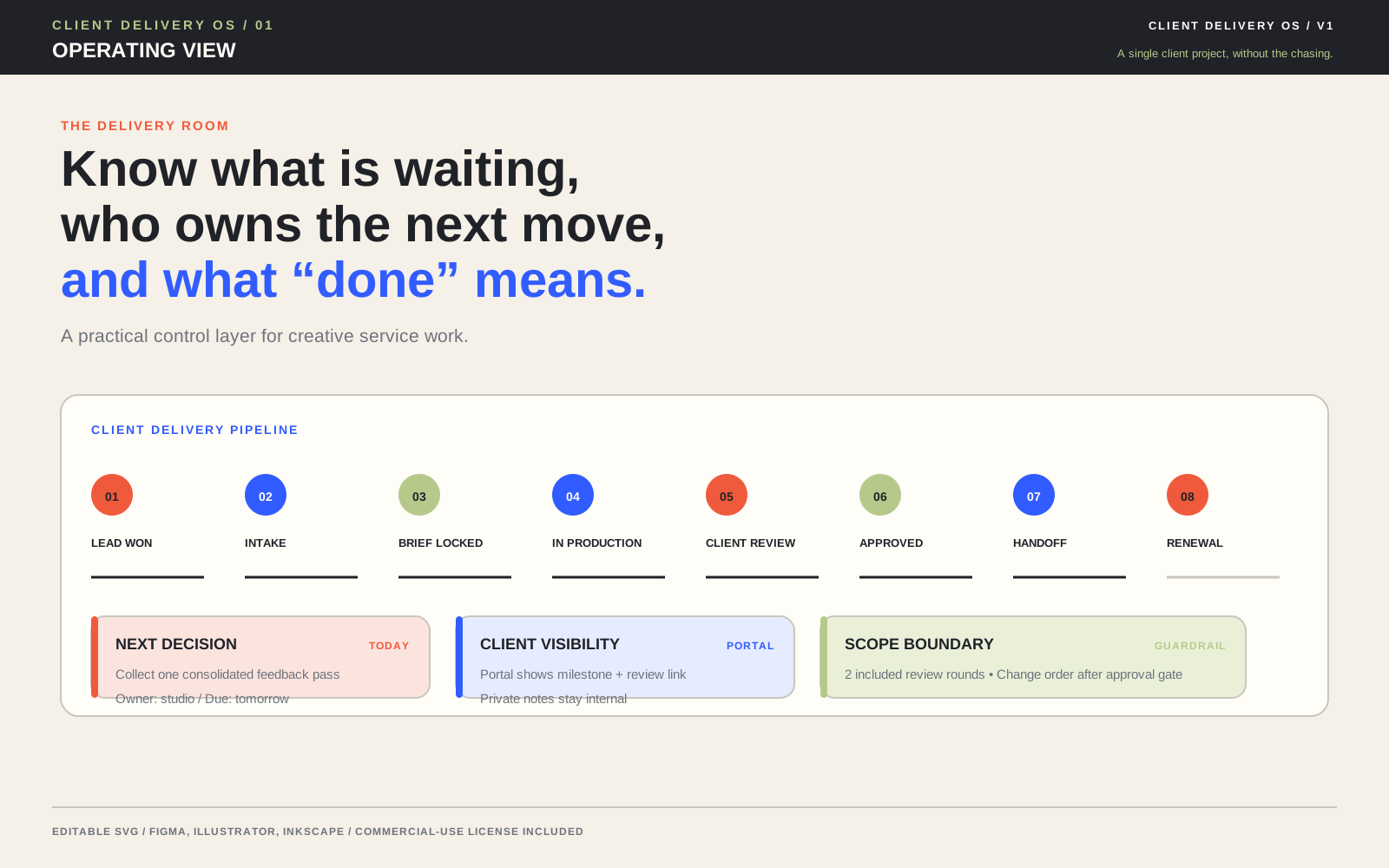
For a broader workflow library, the delivery operations articles can help you place feedback consolidation alongside approval, portal, and handoff practices. Keep the distinction clear: the feedback hub organizes input; the approval process records the go-forward decision; the portal provides the client-facing environment.
Feedback hub checklist
Before opening a review round, confirm that the current version, review boundary, response route, decision owner, and deadline are visible. During the round, collect comments without changing their meaning, connect each item to a location or outcome, merge duplicates, and ask the client lead to resolve internal conflicts.
Before acting, classify each item against the agreed scope. Record why an item is treated as a correction, clarification, preference, or possible change. After the client responds, send one summary, update the status, and preserve the final decision with the version and date.
Finally, check whether the system was usable for the client. Could reviewers submit feedback without searching for the route? Could they see what was captured? Could the approver understand which decisions were still open? If not, simplify the next round. A feedback hub succeeds when it turns scattered notes into a shared, traceable choice without adding unnecessary ceremony.
Evidence consulted
Sources and limits
These sources support the practical principles discussed above. They do not establish one universal client-delivery rule or guarantee a project outcome.
- Google Cloud Architecture Decision Records overview: context, options, decisions, and history
- AWS Prescriptive Guidance: best practices for ownership, history, review, and central decision records
- Association for Project Management: definition and process for project change control
- W3C Cognitive Accessibility Design Pattern: make help and feedback easy to find
- W3C Forms Tutorial: clear success and error notifications
- Live Client Delivery OS product listing used to verify product facts
Useful answers
Frequently asked questions
What is the best way to consolidate client feedback?
Use one source of truth for a specific version or milestone. Capture every comment, connect it to a location or outcome, merge duplicates, ask the client lead to resolve conflicts, classify each item, and send one summary with owners and next actions.
How do I handle conflicting client feedback?
Show the conflict plainly, identify the decision it affects, and ask the client’s designated lead or approver to choose. Explain the trade-offs in terms of the project goal, user, constraints, timing, or cost, but do not make an unpriced internal client decision on their behalf.
Is a client preference the same as a correction?
No. A correction fixes a miss against an agreed requirement, supplied fact, or included behavior. A preference favors another option without showing that the current work fails the agreed objective. Review the brief and acceptance criteria before deciding which category fits.
When should feedback become a change request?
Treat feedback as a possible change when it adds a deliverable, audience, integration, variant, or material direction, or when it affects effort, timing, or dependencies. Record the impact and obtain a separate decision before starting work that depends on it.
Do I need special software to create a feedback hub?
No. A structured document, review page, project database, or clearly labeled email thread can work. Choose the lightest format that preserves the current version, comment context, decision owner, status, and next action. Use more structure when several reviewers or downstream decisions make ambiguity costly.